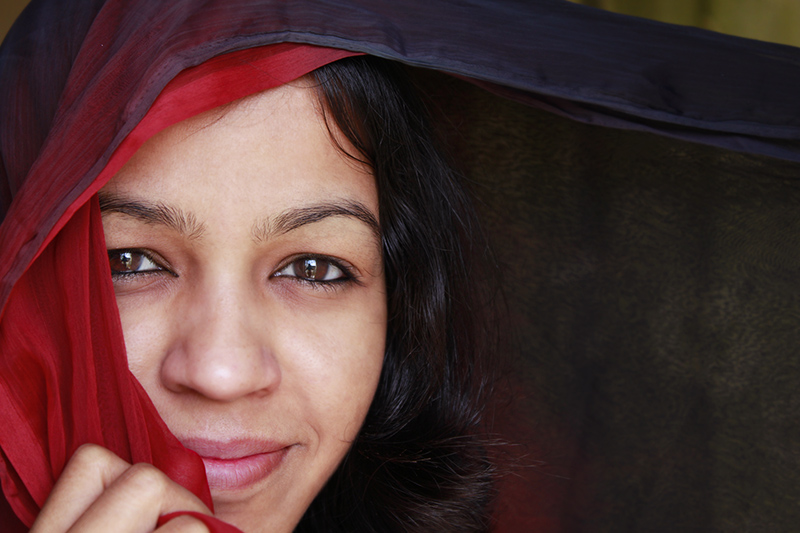
Workflow:
- Duplicate base layer
- Create blank layer above
- Clone onto blank layer to remove blemishes
- Tweak until satisfied, then merge edits
- Duplicate edited layer twice above
- 2-px and 4-px blurs on dupes
- adjust opsccity to about 30% on 2px blur, about 45% on 4px blur
- Add layer masks to bring back sharpness in eyes, lips, hair, etc.
Tweak until satisfied, then flatten
- Duplicate edited layer
- Adjust curves for eyes
- Mask all but irises, tweak until satisfied, merge
- duplicate edited layer
- Adjust lips (curves, hue, saturation)
- Merge
- Adjust curves globally to get desired skin tones
- Resize
- Save




 Add photograph to your favorites
 Add photographer to your favorites

 Photographer found comment helpful.