original is: 1. CAUTION: If using flip n blend do it BEFORE making new layers
2. Select a color or shape from original, and put it on a new layer (Contol J)
3. Return to Background Layer and select the same color or shape
And then INVERT the selection. Put on a new layer
4. Use Effects palette as wished on one or both layers
5. Use Polar Coordinates separately on one or more layers including the background layer
6. Flatten
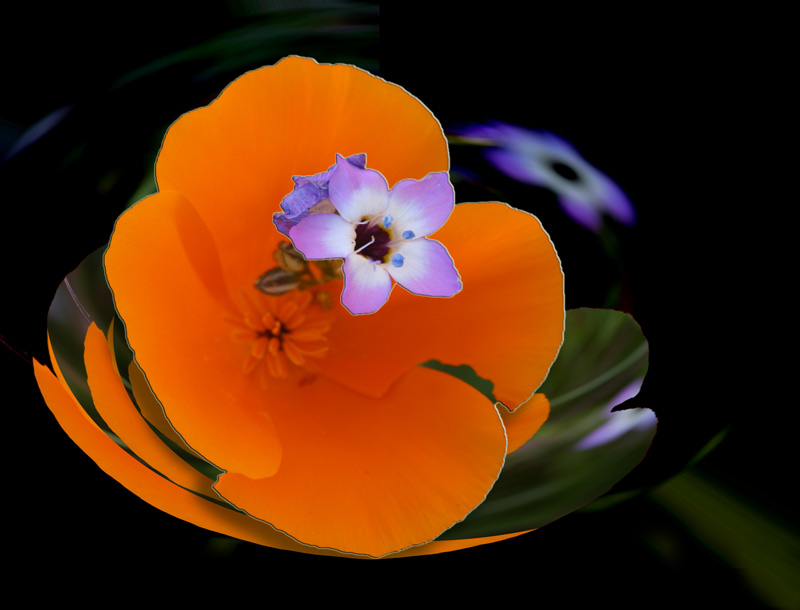
On this one, I used Polar on background layer after selecting out the poppy and its little blue flower, separately.




 Add photograph to your favorites
 Add photographer to your favorites