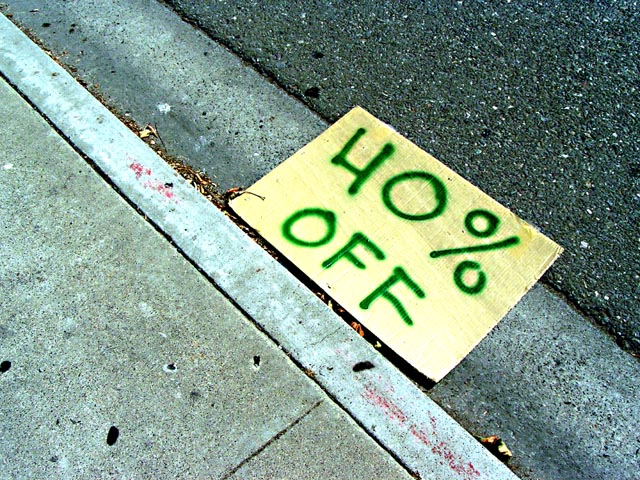
I did everything to your image that i described below then i added motion blur and angled it to the street direction then i did radial blur all while the paper was selected inverse
Desaturate your image by 50% then go in an select the "40% off" sign with a polygon lasso tool. Invert your selection and tint the background with color balance away from blue and cyan and twards red and yellow and after you achive the warmness you desire then balance the magenta and green tones. check saturation once again and do levels on the entire image as that it seems to contrasty ..
Thought that you should know that your white balance is off maybe intentionaly however it seems to be a bit too saturated in cyan .. I would point to point select around the sign and invert the selection to the background then global correct the cyan by about 1-2K + in temp and or subjtract cyan from the highlight in color balance
I don't understand why this has anything to do with the challenge. It's a picture of a sign on the ground. Am I missing something? There is not alot of contrast in the image, making it look very flat, and I just don't see how the sign adds anything to the picture.







 Add photograph to your favorites
 Add photographer to your favorites


