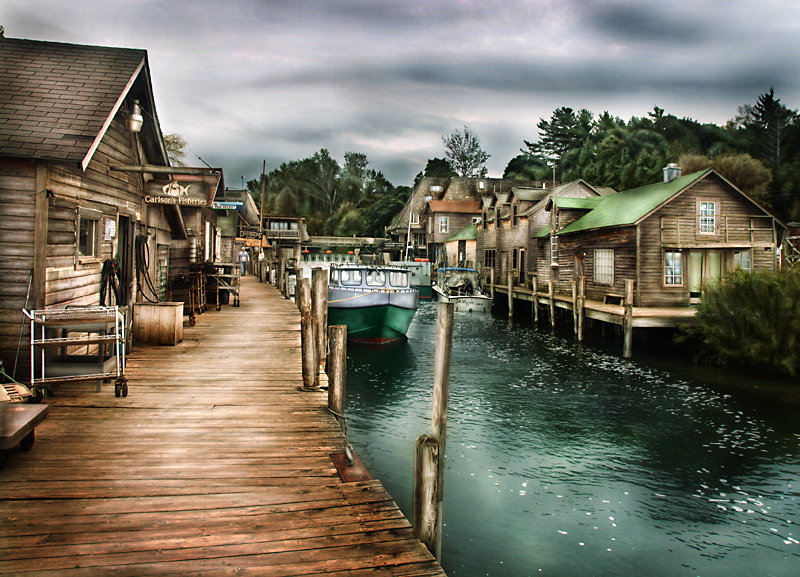
Going for a painterly look, most of the adjustments on this are done with dodge and burn using many different brush sizes and opacities and going over the image to lighten and darken it till I got the effect I was going for.
I also used selective curves to lighten certain sections individually.
Finally, I duplicated the layer and tinted the image orange. Then I set the layer to overlay and masked out the lake, trees, and clouds. So the layer made the houses have a warmer tone. Then I merged down and repeated the process, only this time I used a green layer and masked out the house and sky so the lake and trees have more of a green tone.




 Add photograph to your favorites
 Add photographer to your favorites


 Photographer found comment helpful.

