You are not logged in. (
log in
or
register
)
v Sidebar
Challenge Entries
This image is not a part of any challenge.
Portfolio Images
This image is not part of a public portfolio.
No. 77a
krnodil
Photograph Information
Photographer's Comments
Galleries:
Abstract
,
Digital Art
Date Uploaded:
Jan 9, 2010
Viewed:
167
Comments:
1
Favorites:
0
Add photograph to your favorites
Add photographer to your favorites
a
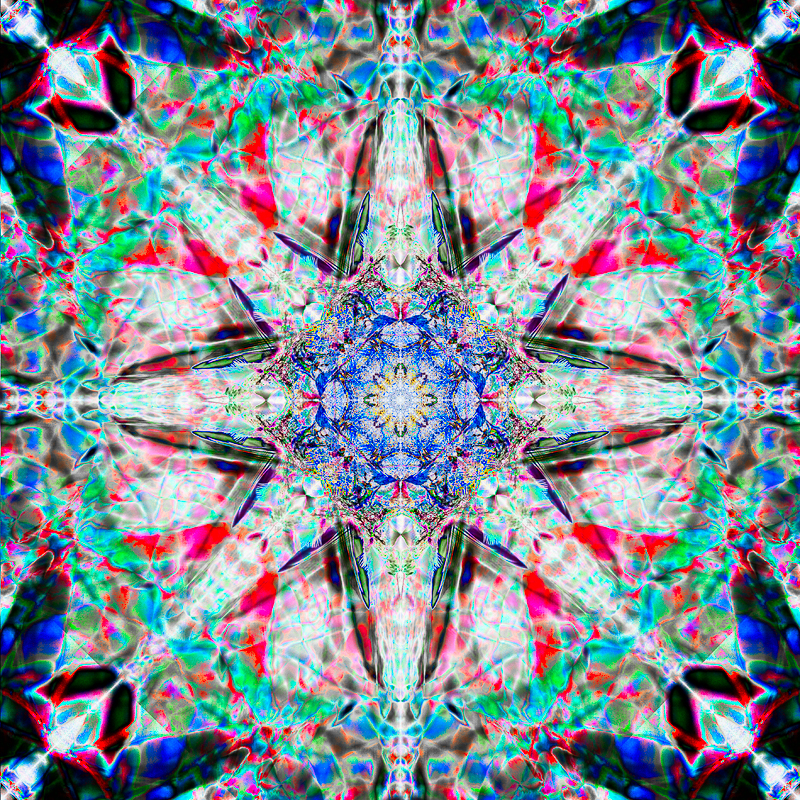
flip-and-blend
of this shot:
------------
steps:
1.std flip and blend using difference mode - horizontal, vertical, 90 degrees
2.auto levels
3.copy background layer, invert, set to blending mode difference
4.copy inverted difference layer, set to blending mode multiply; free transform and rotate layer about 90 degrees.
5.hue/sat adjustment, slightly raise saturation
6.flatten, copy background and set to blending mode multiply, mask out center circle.
7.flatten, copy background and set to blending mode multiply, mask out center circle 100% and all but extreme edges and corners at 50%.
8.hue/sat adjust - desat yellows and partly desat greens, mask out center square.
9.selective color adjust, slightly adjust appearance of reds and blues
10.high pass, resize, high pass, save for web
Please
log in
or
register
to add your comments!
Author
Thread
jomari
Nikon D7000
Nikon AF-S DX 18-105 f/3.5-5.6 ED VR
01/29/2010 12:40:14 AM
Beautiful colours and translucence. It's another one that looks like it should be glass.
Photographer found comment helpful.




 Add photograph to your favorites
 Add photographer to your favorites


 Photographer found comment helpful.