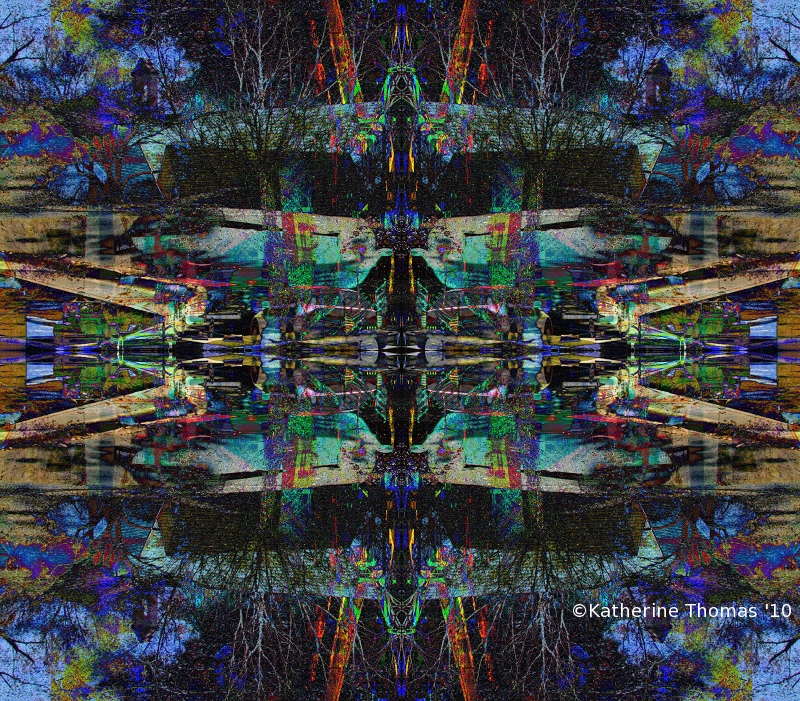
These instructions are for PS CS3 but may very well work for other versions of PS and maybe for other software.
Open the image you want to edit and make sure the layers palette is visible.
Duplicate the background layer
From the edit menu, choose transform and select flip horizontal
Change the blending mode of the layer to difference.
From the layers menu, choose flatten
Duplicate the background layer
From the edit menu, choose transform and select flip vertical
Change the blending mode of the layer to difference.
From the layers menu, choose flatten
Duplicate the background layer
From the edit menu, choose transform and select rotate 90 degrees (CW or CCW doesn't matter)
Change the blending mode of the layer to difference.
From the layers menu, choose flatten




 Add photograph to your favorites
 Add photographer to your favorites

 Photographer found comment helpful.