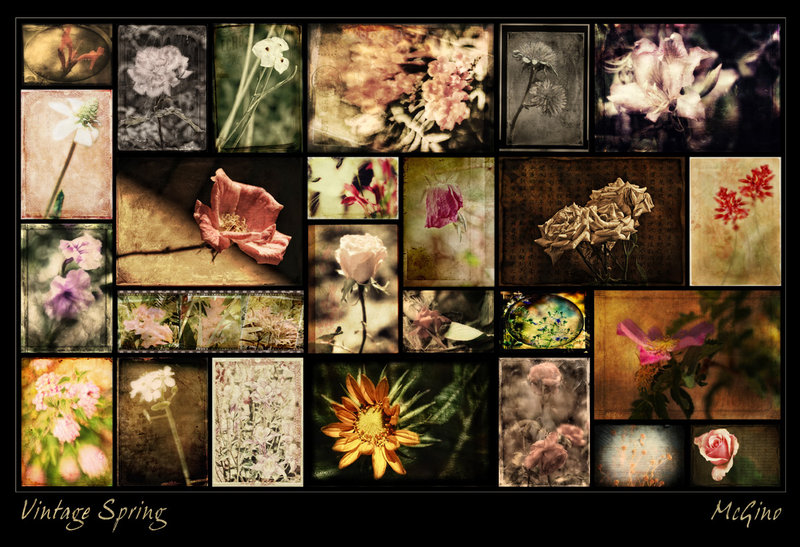
This is a collection of some of the overlayed flower images I've created over the past couple of months. Looks better in the larger size :-)
BTW, I made a 'template' for this, just a blank canvas with squares where to place images. I just copy and paste images onto the canvas, then resize the images to fit the squares. Yeah, there's software to do this but it is pricey so I do it by hand. Even a simple template like this one can be changed up. For example, the portrait images can be turned into two small landscape images; a large landscape can be turned into two portraits, etc...Even just flipping the whole thing on the horizontal and/or vertical axis gives a new look to the arrangment. Also, you can change the background color, add drop shadows to the images (it's best to keep each image on its own layer when adding effects), add frames -- there are so many ways to make a new collage based on this same old template look completely different. So let's see some collages!!




 Add photograph to your favorites
 Add photographer to your favorites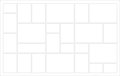


 Photographer found comment helpful.


