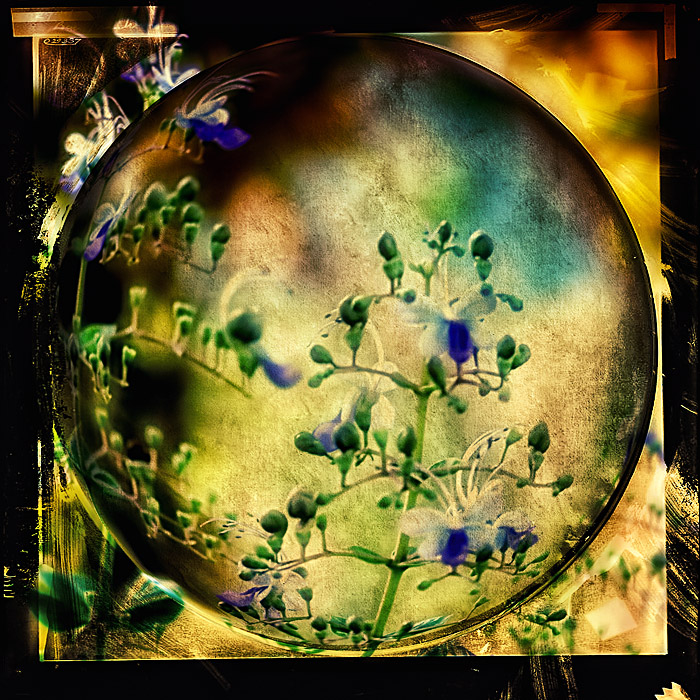
I've been wanting to play with flowers, but there really aren't any here yet so I had to get an old image. The processing is a bit overkill here I think, but that's the fun of side challenges!
First I cropped, then did some levels adjustments. When I sized my oval frame to the square image I got a nice circle, so thought I'd do a bit of a spherized distortion in that area of the image. I used two layers of the frame in multiply mode, on the second one I masked the round sphere area out. I combined all of these into a new layer then ran Color Efex Pro tonal contrast filter first, then one of the bi-color filters. I added in the color curve adjustment layer from the Urban Acid action and set opacity to 40%. Here is the screen capture with all the layers and the original image:
As always, I'm mesmerized and amazed by your ability to use the tools of our hobby - I can read what you did but I'm pretty sure I could never duplicate it! I really do like the feeling that I'm looking through an actual globe here.
I guess this type of image would be outlawed in the regular challenge.
This is one reason I like side challenges. This is a beautiful piece of artwork.
this is just amazingly beautiful colleen .. it literally sparkles ..
and wot a blast to see your workflow as a print screen .. thanks for posting it .. :)..




 Add photograph to your favorites
 Add photographer to your favorites


 Photographer found comment helpful.


