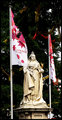
Amalgamation of and . each with a lot of work done on them.
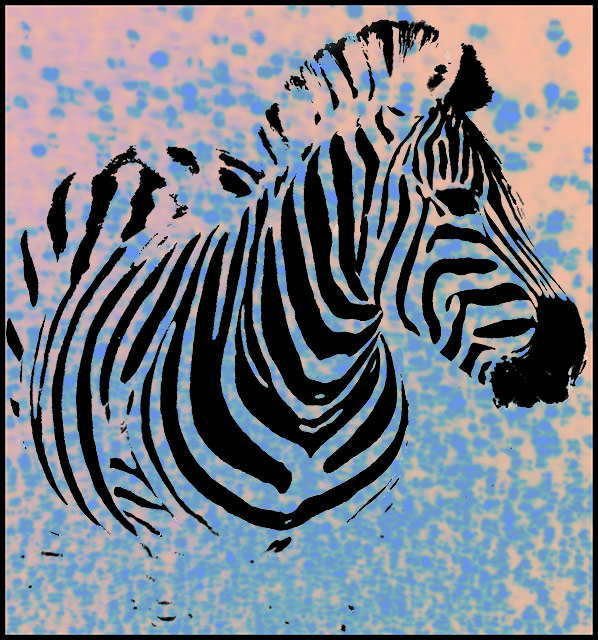
The processing of the zebra included duplicate layer, grayscale, contrast/brightness, selection of the black stripes, mostly with the magic wand, select inverse and magic eraser and copy to clipboard.
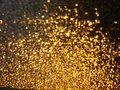
I opened a new file and filled it with orange.Then I pasted in the zebra. I opened the golden glass, cropped a selection, copied it to the clipboard and closed it. I then pasted it into the background layer of the zebra file
transformed it to fit and played around with blending modes. The one I went with was either difference or exclusion, I can't remember. I hid the zebra and merged visible layers. Then I played with brightness/contrast, hue/saturation and variations, and did a little gaussian blur to soften it a bit until I had this background. I brought back the zebra and flattened the image, added a border and resized and saved to web. A lot of experimenting for me.
Wow, nice job! As a newbie here at DPC, I think this is one of my favorite aspects - everyone experimenting and sharing their techniques. Makes for lots of great ideas and neat things to try.
This looks like a rubber stamp, or something you might see on a tshirt at the zoo gift shop. :)
The great thing about these side challenges is how you can try new things and not worry about a score or troll voters. This is kind of whacky, yet really cool. i like how you changed colored the background, I think it works better than the golden layer.





 Add photograph to your favorites
 Add photographer to your favorites


 Photographer found comment helpful.


