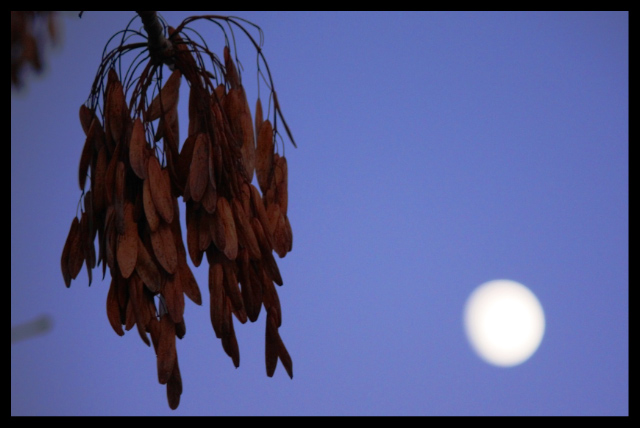
Shot Taken With -2 stops of exposure comp.
Used Photoshop Elements 7 to saturate the blue channel and reduce lightness,the was same done for red Channel in hue/saturation layer. Used a Brightness/Contrast layer to reduce the overall contrast of the shot to bring out more of the detail in the seeds. Slight Crop to fill the frame more. Then finally sharpened entire image using Adjust Sharpness tool and added a Border
Statistics
Place: 132 out of 143 Avg (all users): 4.2155 Avg (commenters): 3.2000 Avg (participants): 3.8889 Avg (non-participants): 4.3235 Views since voting: 957 Views during voting: 306 Votes: 181 Comments: 5 Favorites: 0






 Add photograph to your favorites
 Add photographer to your favorites


