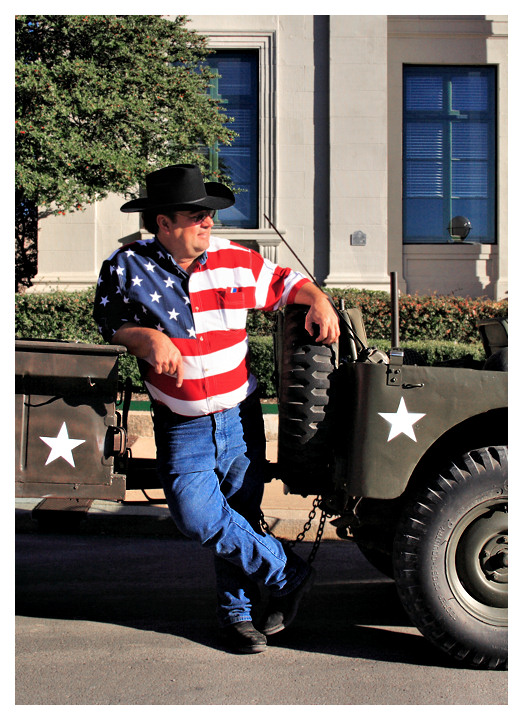
Spotted this colorful guy at a veterans day WWII reenactment. Considered this for the "Red" challenge, but I thought it would get killed in voting as a snapshot. Might have done better in the Street photography challenge, but it was too late for that one.
Don't quite recall all the editing steps, but I did a fair amount with layers and dodging in order to try and bring out his face from the deep shadow of the hat. Also some selective sharpening.
I also did one of my new favorite adjustments on it, to bring out detail from shadows and highlights:
-Duplicate layer
-Desaturate duplicate layer
-Negative image duplicate layer
-Gaussian blur of 4 on duplicate layer
-Overlay layers
-Manually adjust overlay to desired amount and merge layers.
I've saved this procedure as a script for PaintShop Pro. If anyone would like it, I have it uploaded here: Negative layer technique.PspScript




 Add photograph to your favorites
 Add photographer to your favorites

 Photographer found comment helpful.