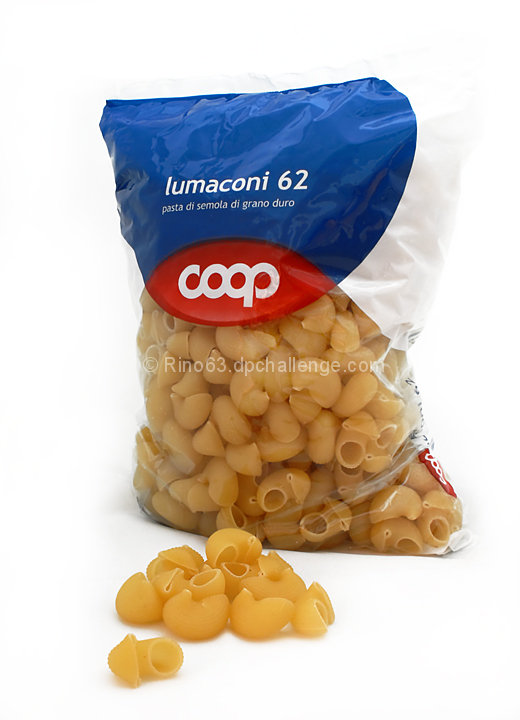
Develop the raw with DPP. In photoshop levels, curves, crop, adjust the white balance with the white balance filter from nik collection. clone out something, dodge the background and something on the box, selective colour (down the black in the whites and up the yellow in the yellows) saturation, denoise with neat image,usm.smart sharpen,selective sharpen.
Statistics
Place: 82 out of 118 Avg (all users): 5.3377 Avg (commenters): 6.3750 Avg (participants): 5.4390 Avg (non-participants): 5.3000 Views since voting: 1198 Views during voting: 267 Votes: 151 Comments: 9 Favorites: 0
The white of the bag is blown out and blending in with the background too much...and not a real interesting subject. perhaps the bag in the background with some nice cooked product on a plate with some sauce??





 Add photograph to your favorites
 Add photographer to your favorites


 Photographer found comment helpful.


