|
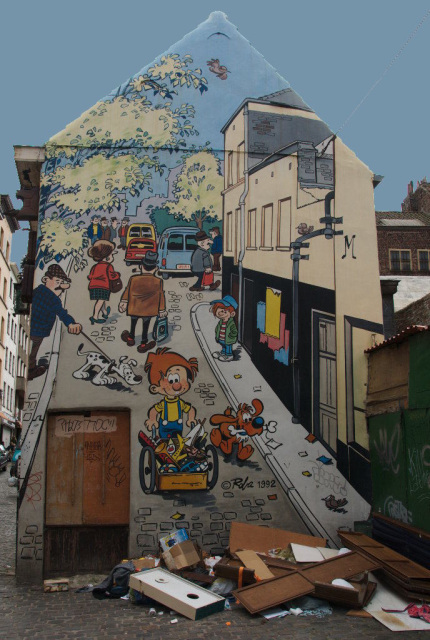
I'd like to see a wider crop and the colors to pop more. Try this little trick. In photoshop convert the image to LAB color, then Apply Image in Soft Light at about 80% opacity. Test the different color channels in the Apply Image dialogue to pick the best "pop". Great location. Perfect content contrast. |







 Add photograph to your favorites
 Add photographer to your favorites


