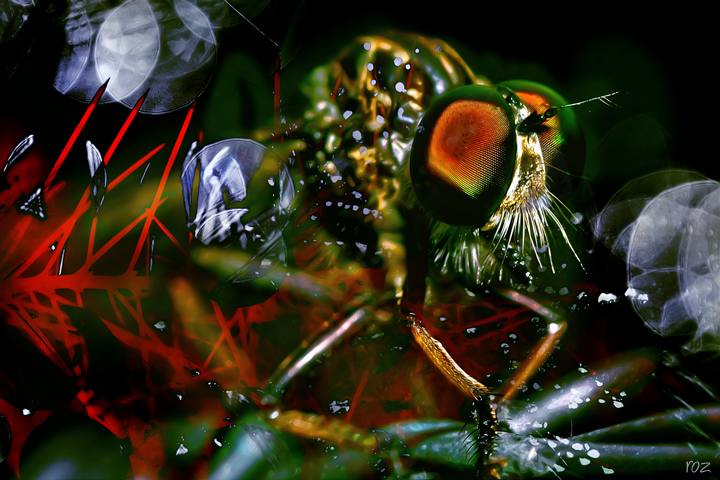
this is a robberfly we saw on a barbed wire fence yesterday ..
added one of my photographs filter forged as sort'v overlay/texture ..
this is the photograph ...
this is after filter forge ..
and overlay of water on windscreen .
this is the same photograph processed slightly differently ..
for brian bvy who asked how i get the colours with my processing .. or anyone who wants to know ..
my processing usually involves adjustment layers in levels and changing not only the rgb values but the individual colours as well ..
adjustment layers in colour balance and selective colour, levels, curves, hue/sat
also you can get some interesting colours and tones when you put one photograph over an existing one (just have the two photographs open in photoshop and drag and drop one image into the other one .. you can then play around with the different blending modes which are at the top of the layers palette on the lhs ..
you'll see normal, that's the default blending mode .. click on the drop-down menu and you'll see all the different blending modes you can use .. when you've selected a blending mode you can then scroll down using the shift key,and the the appearance will change with each different blending mode ..
opacity can be changed too ..
also selectively erasing parts of the overlay using a mask ..
different blending modes can create different colours too ..
hope this is helpful .. :)







 Add photograph to your favorites
 Add photographer to your favorites


 Photographer found comment helpful.


