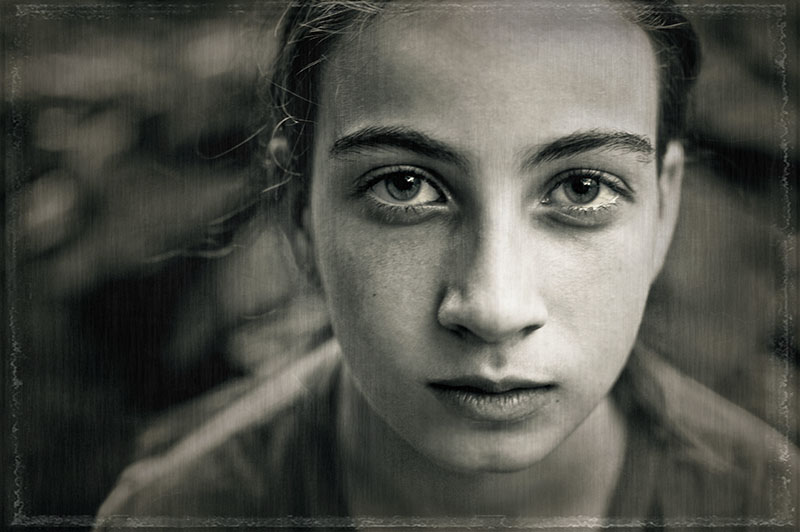
converted to grayscale in adobe camera raw
split toning, curves, brightness
in CS3, added this overlay:
reduced opacity, erased away texture at varying degrees of opacity
I think that I did a color burn blending mode, but it could have been something else. I got caught up and lost track!
filter>distort>diffuse glow
curves adjustment and brightness on just eyes
filter>render>fibers @lowish opacity, erasing most of the effect from the face
firstly tessa is beautiful .. she has amazing eyes ..
secondly .. I LOVE YOUR PROCESS !!!!! .. excellent .. the expression on her face is brilliant .. so intense and focussed .. a wonderful image .. :)
Funny - I was thinking aboutyou and her last night, as I was looking at my son, thinking "what would Erin do?" I love this so much. She has such an expressive mature face, yet her innocence shines through those glorious eyes. Love that overlay. It suits it nicely without ruining the feel of it. Nice!!!




 Add photograph to your favorites
 Add photographer to your favorites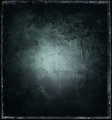


 Photographer found comment helpful.


