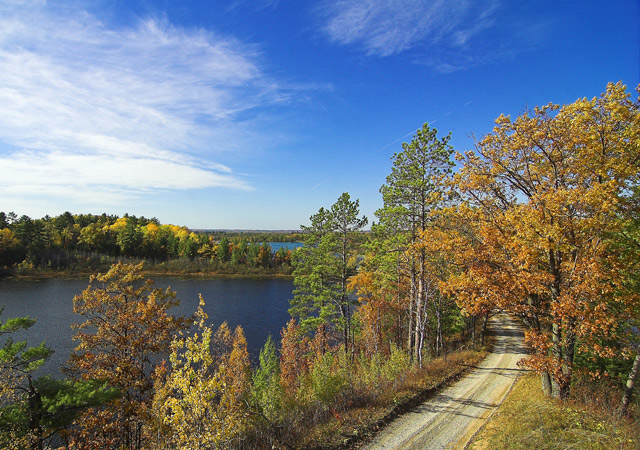
First of all, I just want to say that the composition here is superb! I played around with it some and got this:
[thumb]668153[/thumb]
One of the biggest things I think will help with the color here is some adjustments in selective color. (in my photoshop, that's image > adjustments > selective color) Go to the "yellows" and increase the cyan. I use this all the time to give the yellow a nice golden tinge. You can also go to the "greys" and increase the cyan there, too, but be careful with that because it can mess up other colors too. Try adjusting some of the other colors around as well, and just play with it until you get something you like.
Also, I find the burning and dodging tools are very useful for getting the contrasts more intense without loosing image quality. I use those tools all the time!
Hope this was helpful. ;)
Message edited by author 2008-04-12 08:59:15. |







 Add photograph to your favorites
 Add photographer to your favorites

 Photographer found comment helpful.


