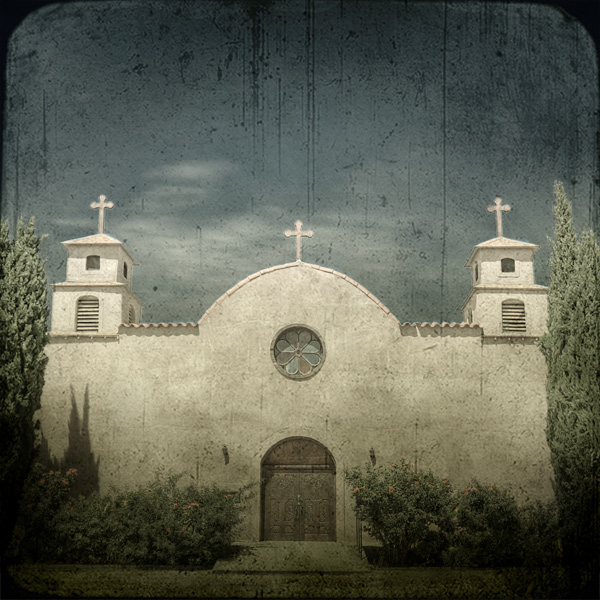
Another image taken from my car, but this time I actually pulled over on the side of the road so I could get three exposures to make an HDR.
PP:
- combine 3 images using Photomatix
- crop
- create duplicate background layer, apply LucisArt Exposure, layer opacity 100%
- use distort to adjust perspective a bit
- channel mixer at R+94, G+38, B-48, layer opacity 81%; paint flowers, crosses, stained glass and some tile edgings with soft black brush at about 20% opacity in layer mask to bring back some color
- resize and paste Lesley goodman's wonderful texture 4 as layer, 'soft light' blend mode layer opacity 100%
- add another texture 4 layer, blend mode 'multiply' layer opacity 100%, then mask out top half with soft black brush opacity about 50% (and thanks to suemack for the idea of using multiple texture layers in different blending modes!)
- hue/sat layer as 'colorize', hue 32, sat 16, lightness 0; layer opacity 10%
- adjust levels
- resize
- save for web
Original:
Again, thanks Lesley for sharing your texture layers!!




 Add photograph to your favorites
 Add photographer to your favorites


 Photographer found comment helpful.


