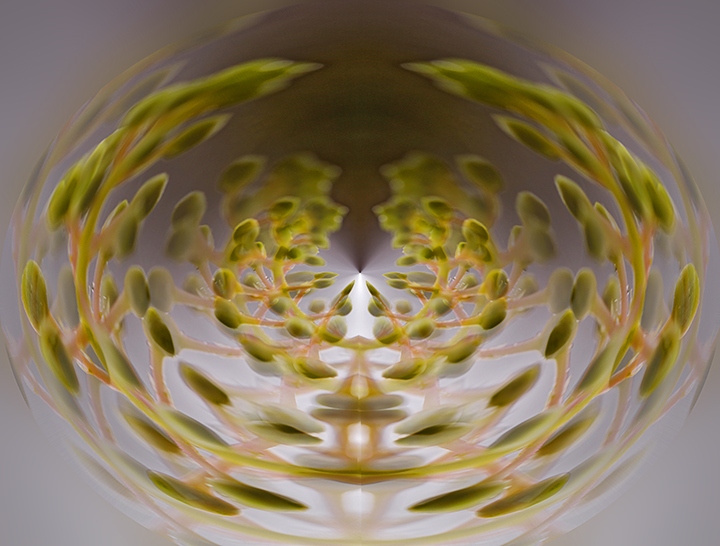
This is the same plant tip as day 28. I took a straight-on shot and rotated/flipped/copied 3x, posting each version in a new, larger document. I aligned them all to show double mirroring, let-to-right and top-to-bottom.
I duplicated the composite layer and went to filters/distort/polar coordinates and did the default setting. Then I copied that layer and took it into polar coordinates again and did the other checkbox. Then I faded this new layer to 25% and merged the whole document.
Then I made an oval marquee to select the center, inverted the selection , and applied gaussian blur.





 Add photograph to your favorites
 Add photographer to your favorites

 Photographer found comment helpful.


