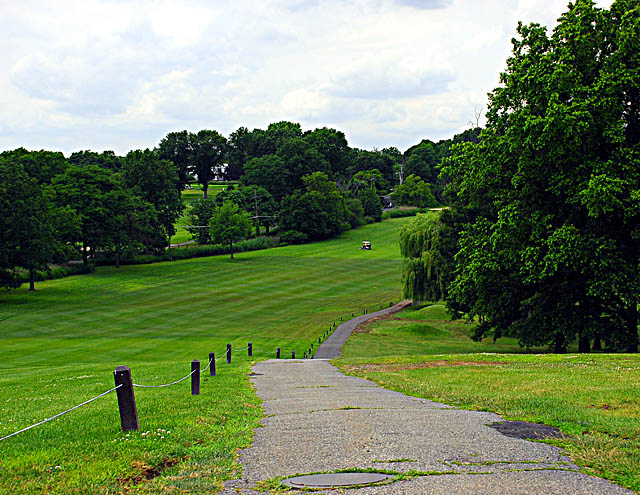
As mentioned in a few of the comments, your sky does appear overexposed. How do you deal with that? You can point your camera at the sky and hit the exposure lock button. Alternatively (and the way that I have found to work fairly well recently) is to go into full manual.
I have the D50 and while you have the D200 the process is the same. Point the camera at the sky as mentioned previously. The aperture you wanted (judging from the settings you provided) is F8 so dial that in 1st. Next you have to adjust your shutter speed. In your view finder you will see a series of bars at the bottom. Keep changing the shutter speed until they line up with the middle. (Bars will disappear as you get closer). You are now exposing for the sky.
With trees, you actually want to underexpose usually anyways. (Usually about -2/3 of a stop).
If your exposure if good then you won't need to get too carried away with saturation. Adjust the levels then curves and you'll end up with a really solid shot.
In hindsight I um...wish I would have done these steps myself.... :)





 Add photograph to your favorites
 Add photographer to your favorites

 Photographer found comment helpful.


