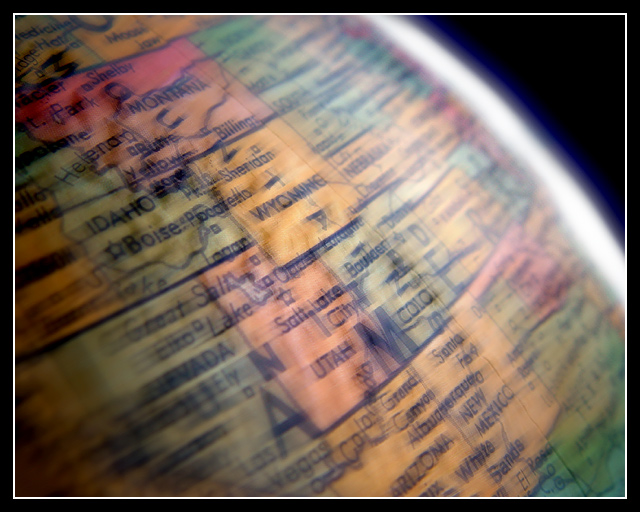
Actually not a lot of Photoshop here. I darkened the background, and I enhanced the natural highlight on the edge of the globe. The globe was spinning, and I used a smaller aperture to capture the blur, but I did enhance the spin with a bit of motion blur. I lightened the levels and used contrast.
Statistics
Place: 51 out of 97 Avg (all users): 5.4901 Avg (commenters): 6.5000 Avg (participants): 5.2500 Avg (non-participants): 5.6484 Views since voting: 1441 Votes: 151 Comments: 16 Favorites: 1 (view)
I would like to see what your EXIF data was for this. I like how you managed to get motion blur but can still read the captions. I also like how it looks like it has an atmosphere. Creative!
TC
I like the spinning motion very much: not to strong so one gets where one is looking at. Also like how you set the light: the overexposed right edge with its blue tint is looking great. don't know if a portion of the globe with some ocean might have been better though. Good luck! 8
Lots of good stuff here, though i think the feeling of spinning is actually missing - this looks more like a simple blurring - the feeling is the blurs don't follow the curve of the globe. Neat idea though.







 Add photograph to your favorites
 Add photographer to your favorites


 Photographer found comment helpful.


