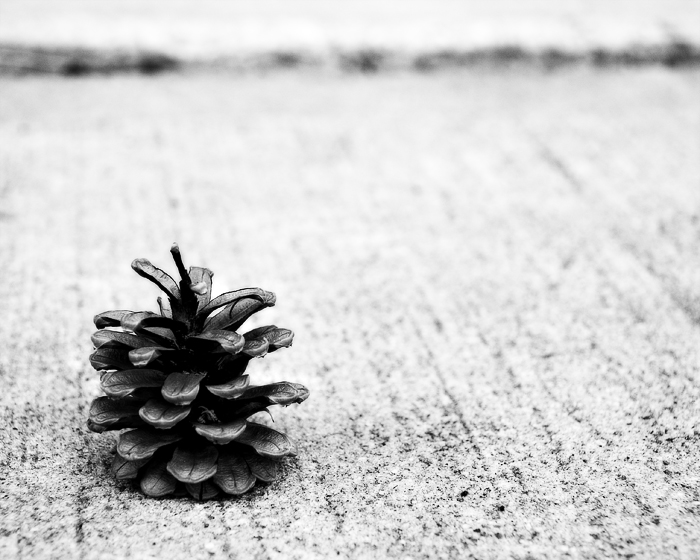
First, a cooling filter. The sidewalk had a bit of red tint to it, which made separating the red pinecone from its background a bit problematic in channel mixer. The cooling filter altered the tint just enough that the sidewalk was a different tint than the pinecone.
Second, I abandoned channel mixer as an option since it was uuuugly and converted to b/w with a gradient layer, playing with the sliders a little bit to boost the contrast. Then a little shadow/highlight to bring out some of the shadow detail in the pinecone.
Third, my usual duplicate layers. The first was soft light, the second was multiply. Played with fill amounts until it looked right. Flatten.
Fourth, I decided it still needed something. So I tried gothic glow on it and it was faboo. So I added the GG layer, at 88% - unusually strong for me!
Fifth, dodged the highlights on the pinecone.
Lastly, I resized and ran a smart sharpen on both the background and the gg layers.
Yes indeed! A sexy pinecone it is. You did great on this. Pine cones are so cool anyway to me, being from Texas, I rarely see them unless we're in the mountains -- but all your glam processing made it even better!
ooh very nice. This really appeals to me. Really like the textures, contrast and tones. Perhaps a crop off the top to take out the line, for a more minimalist approach and put more focus on the cone and texture.




 Add photograph to your favorites
 Add photographer to your favorites

 Photographer found comment helpful.


