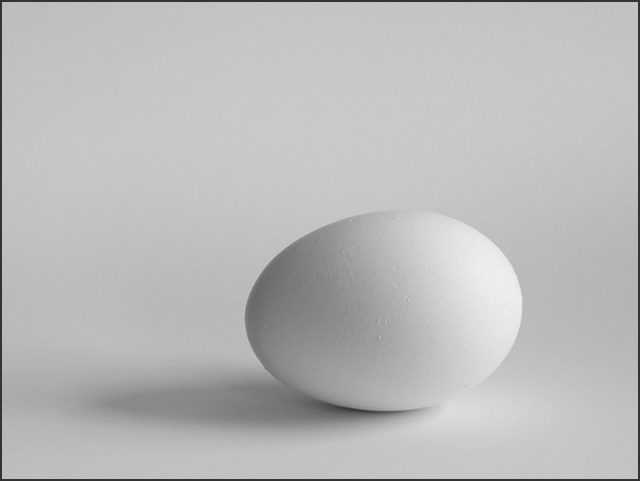
This was the first challenge where we could spot edit but I did very little of it. My main goal was to keep the shadows and background as smooth as possible. I had just installed Photoshop CS so I was able to shoot raw and work with the image in 16 bit mode. After cropping, I converted it to grayscale, adjusted the levels, and added a little sharpening. For the sharpening I used Fred Miranda's Intellisharpen, which creates a separate layer. I used the eraser tool to remove some oversharpening on the left edge of the egg.
Statistics
Place: 33 out of 125 Avg (all users): 5.9272 Avg (commenters): 7.0833 Avg (participants): 5.8554 Avg (non-participants): 6.0147 Views since voting: 1043 Votes: 151 Comments: 13 Favorites: 0
To me, this shot would be a combination of shape and form, but the simplicity of the shot makes it work. Black and white is a perfect choice for the presentation of the subject, and I like that you did not overwhelm it with a huge border.
One of nature's most perfect shapes. Kind of has a ying and yang look to it with light and dark. Compare the shades on the egg to the background and there's opposites again. Maybe I'm reading too much into the image. :)







 Add photograph to your favorites
 Add photographer to your favorites


 Photographer found comment helpful.


