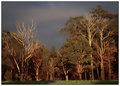
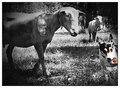
these are the original photographs that were combined to make this edited version ...
these are my processing steps ...
didnt process either in RAW ... just worked from jpegs ...
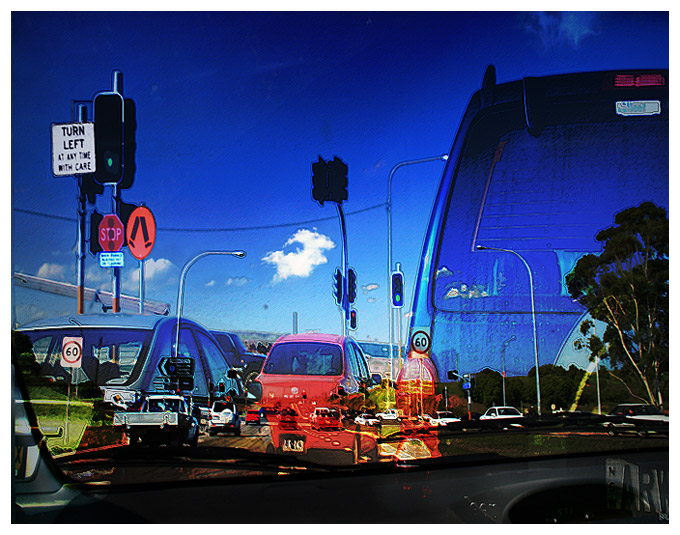
combined both photographs ...
skewed & scaled 'at lights' made vivid light layer at 54% ..
hue/sat adjustment layer vivid light and increased red, yellow saturation and made blue darker and increased saturation ...
duplicated image and merged visible ...
levels adjustment layer and lightened entire image and erased everything except dash so some of details in the dash were more visible, because it was just about black ...
selected walk sign and did curves adjustment layer in red to make colour more intense..
selected stop sign and did adjustment layer in curves in red to bring out red colour ...
selected turn left sign and did levels adjustment layer in blue .. and a selective colour and made the blue background white ...
merged visible again ... and scaled entire image to different proportions ...
did an ink outlines which is in the 'filter' dropdown menu of photoshop in 'brush strokes' .. then erased a lot of it so the un-brushstroked layer showed thru, then merged the two ...
did vignette .. resized ... smart sharpen and saved for web ...
there might be a couple of things i did a bit different .. i've been writing down the steps as i do them for this project, but sometimes i go back and change my editing ... so it gets a bit confusing ... but this is pretty close ...
Well....it's certainly different...and creative. You did kind of a drawing thing around some of the lightpoles. I like the way that turned out. You clearly had fun playing.
Very creative brain you got there. LOL
I really love this, especially for the fact that it is very unique. The colors and shapes really get your attention. Nice work.





 Add photograph to your favorites
 Add photographer to your favorites


 Photographer found comment helpful.


