1. Used Rawshooters Essentials to convert from RAW to Tiff.
2. Opened in PS/CS and converted from 8-bit Tiff to 16-bit Tiff.
3. Saved as 16-bit Tiff.
4. Opened in Photomatrix pro and run tone mapping and saved.
5. Opened in PS/CS.
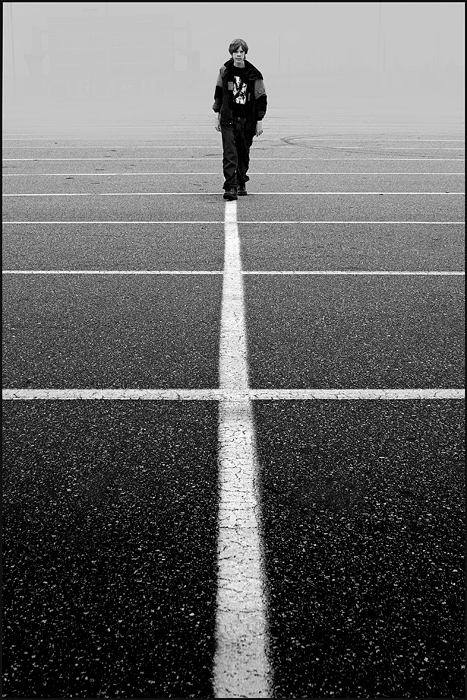
6. Cropped to 12x12 and tilted to level horizon.
7. Auto Level
8. Manual Curves
9. Convert to B&W
10. Applied gradient layer with gray over 100%
11. Used eraser on gradient layer over model to reveal original.
12. Sharpened
13. Resized
14. Saved for web
Statistics
Place: 137 out of 488 Avg (all users): 5.9947 Avg (commenters): 7.3333 Avg (participants): 5.9850 Avg (non-participants): 6.0185 Views since voting: 849 Views during voting: 293 Votes: 187 Comments: 10 Favorites: 0
This one required a second look, and a third... I don't know why I like it so much, should be able to think of something to say but the only thing that comes to mind is 10.






 Add photograph to your favorites
 Add photographer to your favorites

 Photographer found comment helpful.


