OK, definitely missing something here. Here is the workflow I use in Photoshop. I imagine it is the same in Photoshop Elements and anything else that has some basic photo editing abilities:
Crop Image to desired composition.
Menu: Image - Image Size (don't worry about dpi, just set the largest dimension to 640, the rest is done for you)
Menu: File - Save for Web (there is a quality slider in PS that allows you to control JPG compression so you end up with a file as close to 150KB as possible.
That's it. Others who are more advanced resize down to around 100kb and do a final pass with USM, but I don't. It shows too :)
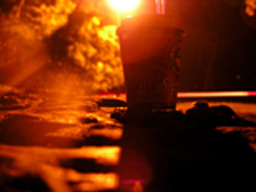
With the small image size it's hard to make out what I am suppose to be seeing in the pic. Try to size images to the full 640px allowable by DPC. (at least in one of the directions - horizontal or verticle -- or both)
For me, I wish there was more overall focus. The overall bright orange tone is a bit much, but I do like the angle you chose to shoot from. Shows creativity.






 Add photograph to your favorites
 Add photographer to your favorites


