|
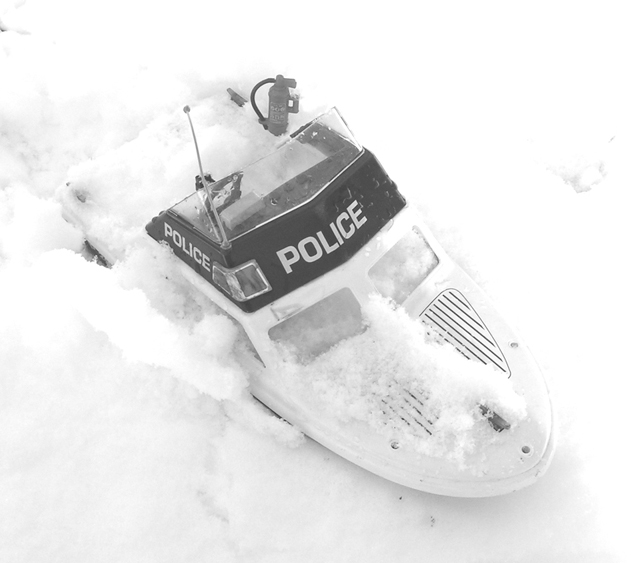
I love the idea, but the exposure and post processing seem like many opportunities lost. The photo is severely overexposed: there are no pixels in the bottom third of the value range, and the highlights are severely blown. Assuming it is an automatic camera, try a few shots pointed at the snow right next to the object. Then with Photoshop use Levels to map the exposed photo into the range of values you want in the photo. Correct contrast and brightness using Curves. It's okay to make a phot with blown highlights and low contrast when the purpose of the photo is evocative instead of descriptive; but the subject, sharp focus, and central placement of the subject make it impossible for this to be an evocative photo. |







 Add photograph to your favorites
 Add photographer to your favorites

 Photographer found comment helpful.


