thankyou so much guys for your comments during voting ...
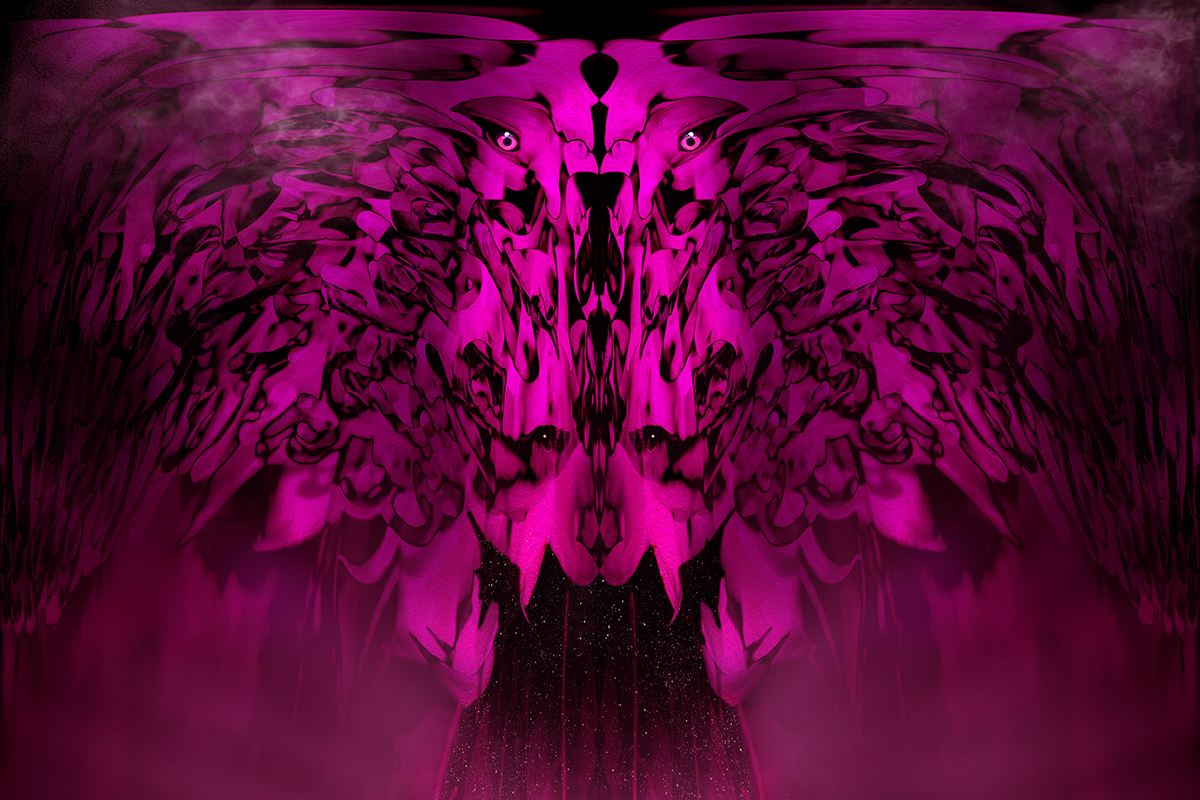
and because you asked Debbi Barroness.. i'll stick in my editing steps .. and the photos i used ..
i did use another photo of the waratah oof and bokeh .. but i wont bother putting that in here.
and how cool i wrote it all down for you and now i can just give it to the sc ..
top five is so much more than i ever expected .. as i knew that a lot of ppl are averse to this sort of editing when it is so divorced from the original photo ..
the photos i used .. the waratah flower that i used for the 'base' image ..
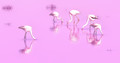
i used the female galah's eye for the eyes .. the female galah has pink eyes and the male brown btw ..
an actual abbreviation of my editing steps .. brought the waratah pic .. P0009246.JPG into photoshop ..
duplicated and flipped horizontally and did a difference blending mode on it ..
created a new layer and filled with pink and made overlay blending mode ..
brought in bokeh pic .. P0009252.JPG in soft light blending mode for the colour ..
did a selective colour adjustment layer to make it more pink ..
did a raw edit to make more pink and merged visible layers .
did a stylize/oil paint action ..
duplicated and did a distort/polar coordinates action ..
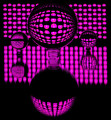
noticed it looked like a creature with slitted eyes .. so I extended the 'eye socket' using liquify action ..
and brought in the galah’s eye .. PA002704.JPG .. to put in the eye socket ..
duplicated and did strong gaussian blur in hard light blending mode ..
created rays at the bottom of the image ..
using brush tool put two spots to make it look like two more eyes glinting ..
using a star brush created that look in the entrance to the dark side .
using another brush created the cloud look ..
did lots of other selective adjustment layers and fill layers for colours .. contrast and brightness/darkness ..
did a colour balance on the whole image to make it look more pink ..
Statistics
Place: 5 out of 25 Avg (all users): 6.3125 Avg (participants): 6.5625 Avg (non-participants): 6.0625 Views since voting: 1412 Views during voting: 74 Votes: 32 Comments: 10 Favorites: 2 (view)
I thought the lower portion of your composition looked so much like a dog that Toddy was the subject! Thanks for the description of how you achieved the amazing effect that you did. I could never have imagined how you did it!
Very, very nice.
Curiosity has gotten me... How did you do this?
You met the challenge perfectly and this image is absolutely beautiful?
It reminds me of a Rorschach in away. The symmetry is beautiful, I love the smoke on the upper sides, the sort of falling snow in the bottom middle with the killer eyes surrounded by patterns and layers.





 Add photograph to your favorites
 Add photographer to your favorites


 Photographer found comment helpful.


