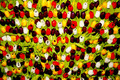
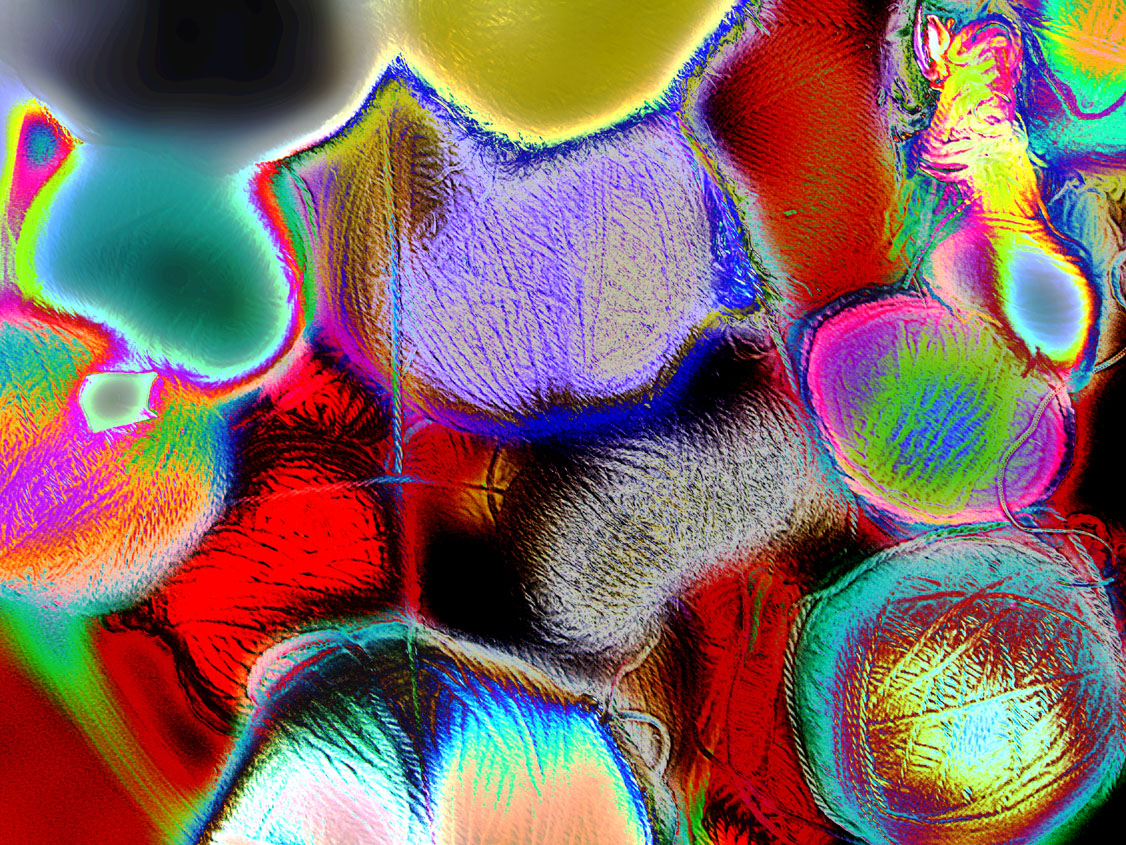
I took a rather mundane original and first duplicated the layer and applied the High Pass filter, and then made a second copy of the filtered layer.
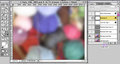
I then made yet another copy of the base and applied the Gaussian Blur filter at about an 8-pixel setting.
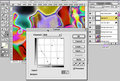
Finally, after changing the High Pass layers to Overlay Mode (which applied the texture effect) I used a couple of Curves Adjustment Layers to shift the colors around, the first just some gently darkening, and the second to shift the colors significantly.
FWIW I've never tried this particular technique before, and I processed this using Photoshop 5.0 (more than 20 years old) on a similarly old Mac.
Statistics
Place: 84 out of 86 Avg (all users): 4.8333 Avg (participants): 4.6829 Avg (non-participants): 5.1579 Views since voting: 483 Views during voting: 103 Votes: 60 Comments: 3 Favorites: 0





 Add photograph to your favorites
 Add photographer to your favorites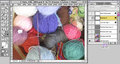


 Photographer found comment helpful.


