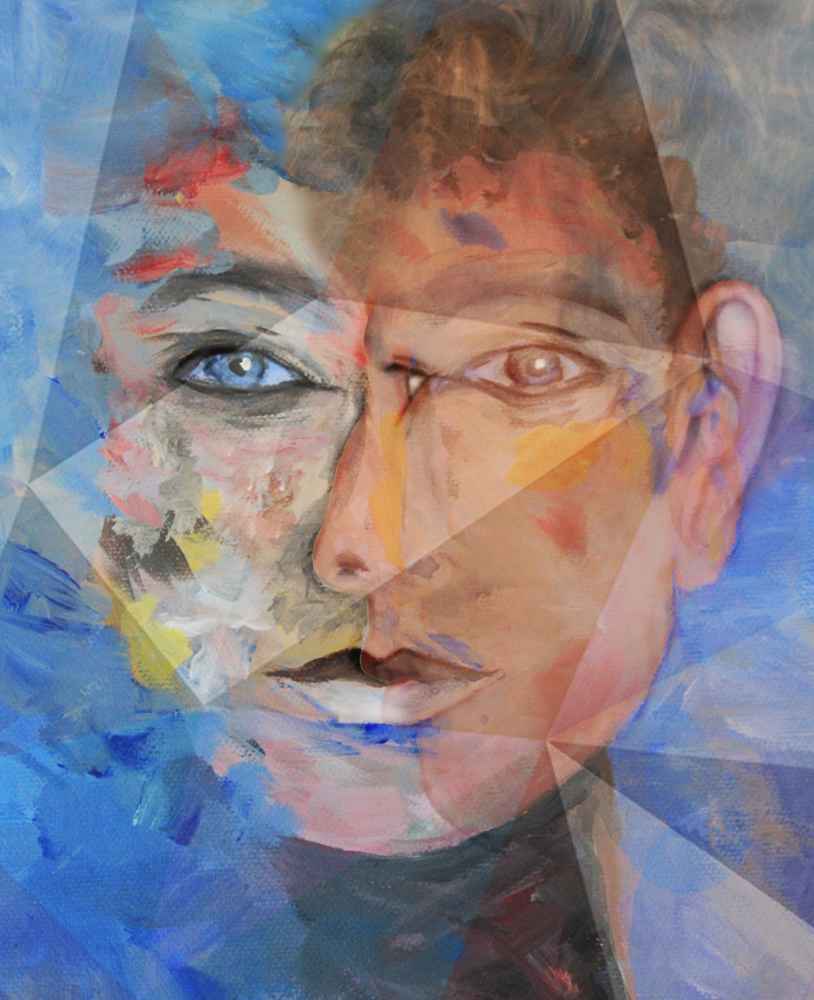
A few months ago I painted an abstract portrait of my 17 year old son, I'm not an artist, but enjoy playing around with acrylic paint, or pastels, or simply with a piece of charcoal or a pencil.
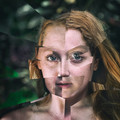
As Cubism in portraits is based around seeing the face from different perspectives at the same time, I thought I'd take a profile shot of my son, as well as the painting and see whether I could marry the two images together. I was pleased with the result, but it was lacking something. I then overlayed an image with triangular shapes, which could be viewed as cubist, as a texture to achieve a more realistic cubism effect.
I am very new to Extended Editing, so this is technically quite simple, but I'm happy with the final result and hope that you like it!
Any and all comments are welcome.
Open 3 images (painting, photo and cubism texture)
Cut out profile
Adjust contrast,brightness in painting and photo
Paste profile onto painting
Adjust sizing and opacity
Use rubber to remove parts of profile to show painting below
Accentuate outlines, eyes, lips, ear
Merge and crop
Add texture layer, in which I increased the contrast
Recrop
Resize for web
Statistics
Place: 5 out of 38 Avg (all users): 6.2955 Avg (commenters): 6.5000 Avg (participants): 5.9412 Avg (non-participants): 6.5185 Views since voting: 1126 Views during voting: 105 Votes: 44 Comments: 9 Favorites: 1 (view)
You definitely are an artist. Mixing several of your skills into one result is such a great idea! I'm convinced this could be the start of fantastic series. I know I would love to see more in the future. Meanwhile, congrats on the nice finish and the fabulous concept!





 Add photograph to your favorites
 Add photographer to your favorites

 Photographer found comment helpful.


