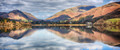
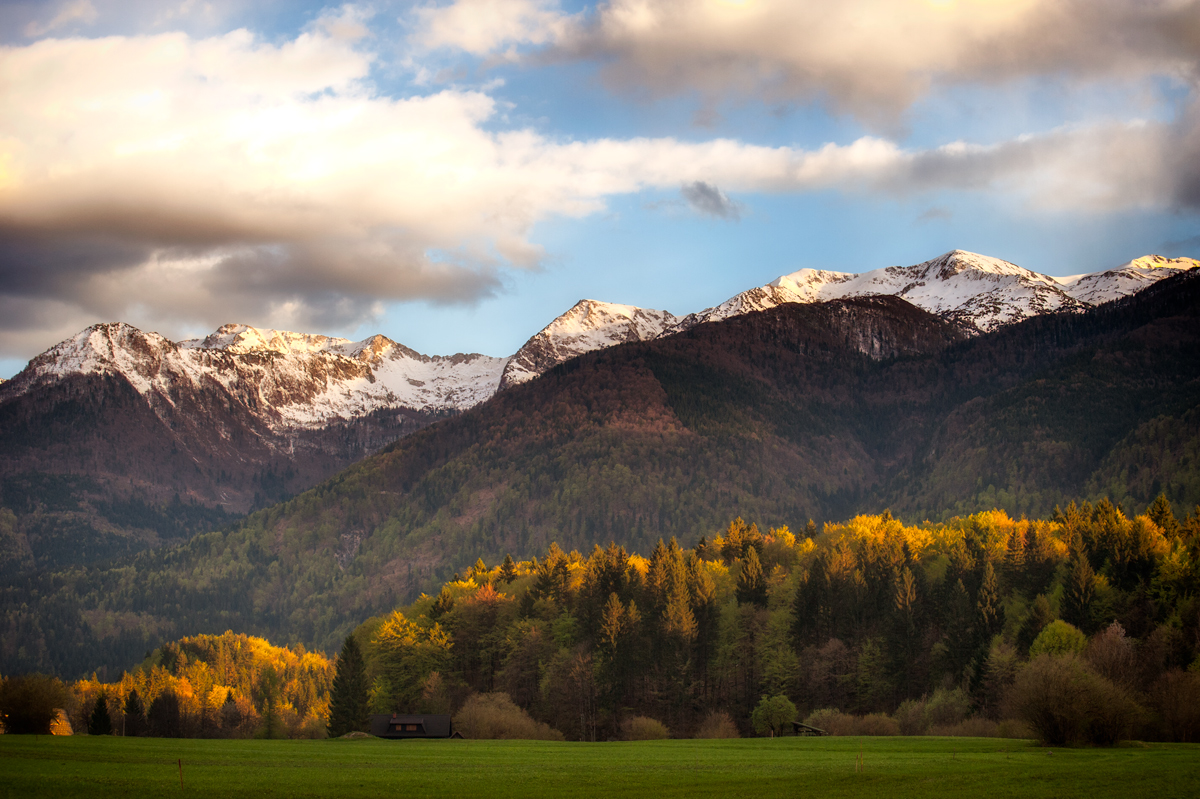
First off let me say how beautiful this photo is, I can see 2 things that standout to me to improve on...mind you it's only what "I" would try to improve on...
A high pass filter with a mask applied to add more detail into the rocks and here n there in the trees.
last...In PsCC - by pressing Alt+ the little turned down page on the far lower right side of the panels will give you a little box that you can pick what blending mode you want...choose overlay. Now turn choose "B" for brush (lower the opacity to 12) with the black color...lightly go over the darkest parts of the mountain...change to white (X) and do a touch on the clouds. Final step. Go to Gaussian blur...take it up to about 50-80 pixels...watch what it does (it will smooth and blend the edges).
these are just a couple suggestions...not intended to be a know it all...just trying to share. |





 Add photograph to your favorites
 Add photographer to your favorites


 Photographer found comment helpful.

