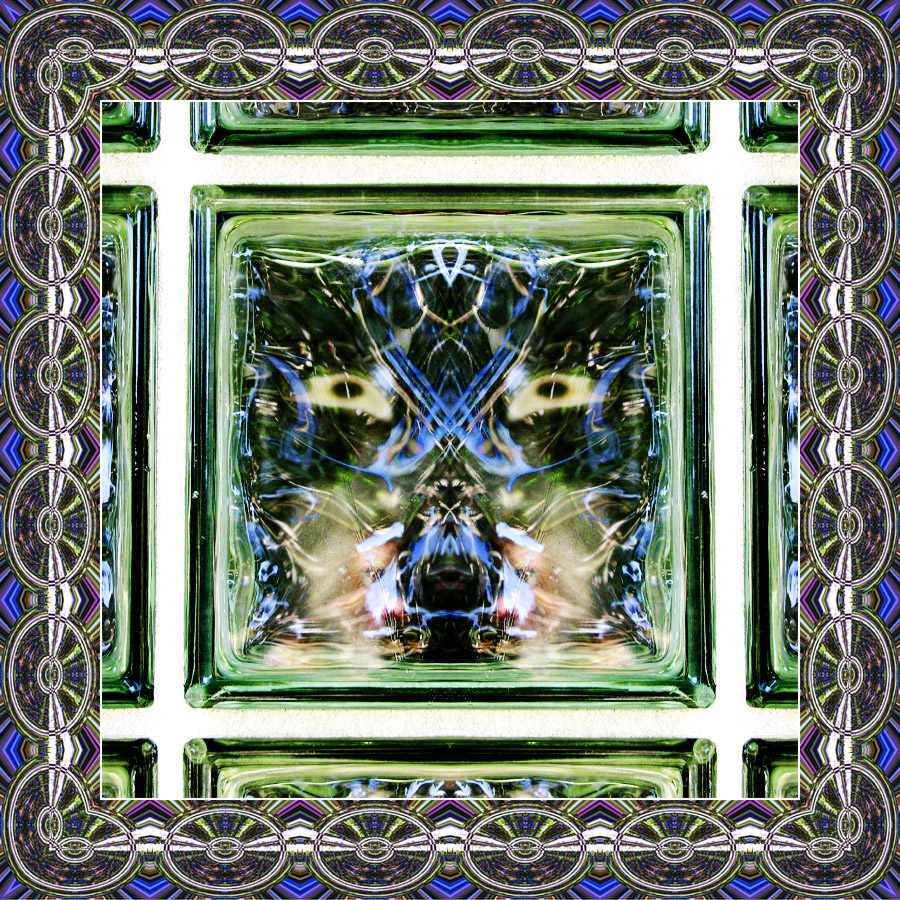
Interior image made by flipping image horizontally and blending in Lighten Mode; Curves adjustment.
Border made by taking the same image and applying the following Flip/Blend steps before assembling resultant image into a frame:
1. Horizontal Flip; blend in Lighten Mode
2. Vertical Flip; blend in Darken Mode
3. Rotate 90° and scale to fit; blend in Difference Mode
4. Apply Polar Coordinates filter (Rectangular-to-Polar)
5. Resize and replicate image to make frame elements
There were probably some other color adjustments and some dodge/burn along the way but I don't remember the specifics right now ...
Statistics
Place: 42 out of 47 Avg (all users): 5.0606 Avg (commenters): 7.5000 Avg (participants): 4.9643 Avg (non-participants): 5.1316 Views since voting: 461 Views during voting: 122 Votes: 66 Comments: 2 Favorites: 0





 Add photograph to your favorites
 Add photographer to your favorites


 Photographer found comment helpful.
