|
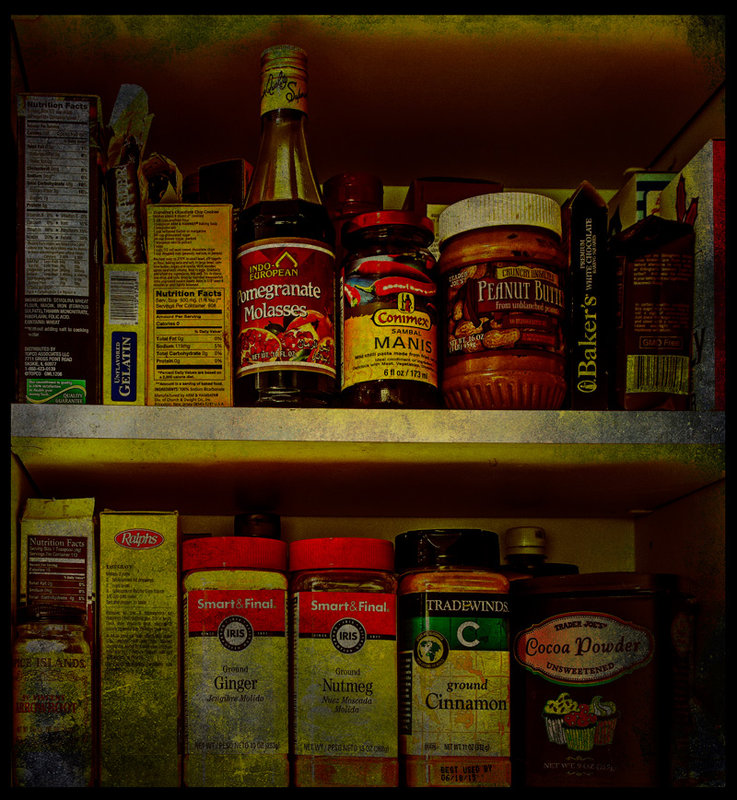
I see your theme/gallery is overlays so I guess this is a texture. It works. Could also have been shot through a dirty window - but then the reflections would have been a problem. I think I saw in the main forum that you are just beginning to work with textures and other overlays? This is not a suggestion for any specific image but just something to keep in mind. If you will work on a layer, you can reduce the opacity of the layer to change the effect. You can also erase the texture in some areas; when I do that, I usually do it with a reduced opacity brush so I don't clean it off entirely, but just lighten it on the parts where I want less. |




 Add photograph to your favorites
 Add photographer to your favorites

 Photographer found comment helpful.


