1. Import using Image Capture
2. Convert to JPG using Canon DPP
3. Import to Lightroom
4. Sharpening +26
5. Vibrance +36
6. Post corp Vignette -36
7. Export to 800x533
8. open in PS, added a bit of Yellow and red color and applied a bit of USM
Statistics
Place: 70 out of 126 Avg (all users): 5.3730 Avg (commenters): 5.0000 Avg (participants): 5.1961 Avg (non-participants): 5.4933 Views since voting: 529 Views during voting: 227 Votes: 126 Comments: 3 Favorites: 0
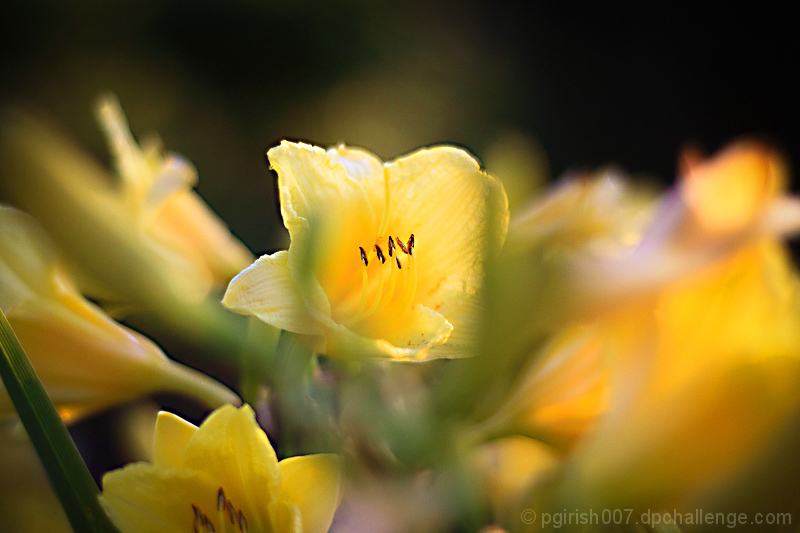
The stem is placed in the foreground to provide bokeh according to the theme, but I feel it just ends up obscuring the subject and the photo would be better without it (but wouldn't meet the challenge).






 Add photograph to your favorites
 Add photographer to your favorites


 Photographer found comment helpful.

