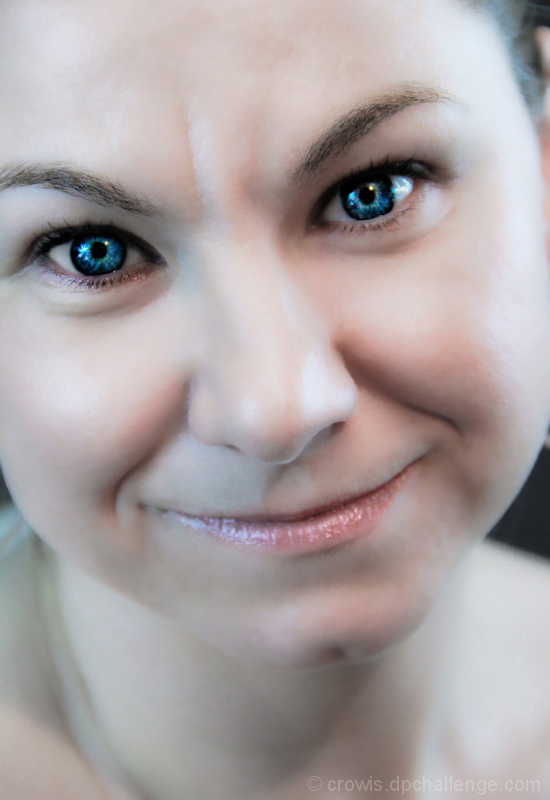
Took this photo. . .opened the JPEG in Raw. Adjusted the saturation and vibrance. Immediately took an adjustment brush set to -100 clarity and coated the skin areas. Upped the brightness dramatically, and adjusted shadows and highlights. Opened in Photoshop. Did blemish control using healing brush on a few of the bigger pockmarks. After this I opened in Topaz 4 and ran a layer through skin smoother. I then used shadows and highlights on the eyes and lips on the underlayer to pull a lot of contrast in both areas. Then used Topaz again, on a layer made up of the eyes with color exposure stretch. Once this was done I combined the layers, and adjusted the saturation of the facial area again by adding a brighter adjustment layer. Then adjusted the saturation on the eyes as the exposure stretch went just a tad far. Or way too far depending on your tastes. Cropped it, and saved. . .not that it is likely to place in a free study and/or that anyone will really care how I put this together. . .but, I am practicing for the big day when I actually do place. LOL.
Statistics
Place: 249 out of 279 Avg (all users): 5.0952 Avg (commenters): 4.5000 Avg (participants): 5.0930 Avg (non-participants): 5.1000 Views since voting: 297 Views during voting: 204 Votes: 126 Comments: 3 Favorites: 0





 Add photograph to your favorites
 Add photographer to your favorites

 Photographer found comment helpful.


